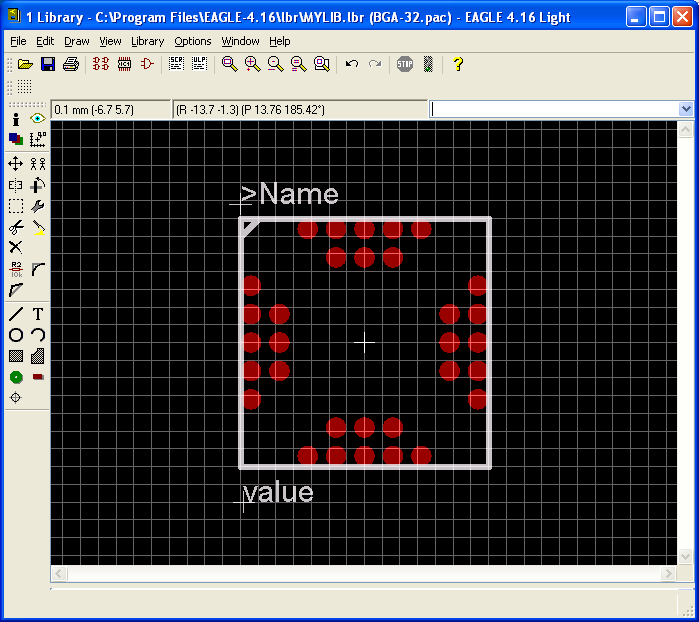
OK, I am going to go slightly technical on this one. When it comes to using CAD software to create PCBs, I have tried a few but always, it was the Eagle Software which somehow, pops out to me. When I was in the Uni, the software was quite nice but after using EasyPC, I felt it was limited. After getting comfortable with EasyPC, I was introduced to Eagle. And when the shop I always frequent uses Eagle as well, I was quite happy.
In the beginning, it was slightly difficult but soon, I was able to make some simple designs (without RTFM, actually) and before I know it, even with my basic knowledge until now, I managed to create some very nice PCBs. But yes, there are other things I need to know.
But today, I found out this link, where you can create your own custom Library part which is great. When I have the time, I’ll give you guys a run down on this wonderful PCB software. Oh, did I mention its free too?
http://www.instructables.com/id/How-to-make-a-custom-library-part-in-Eagle-CAD-too/
